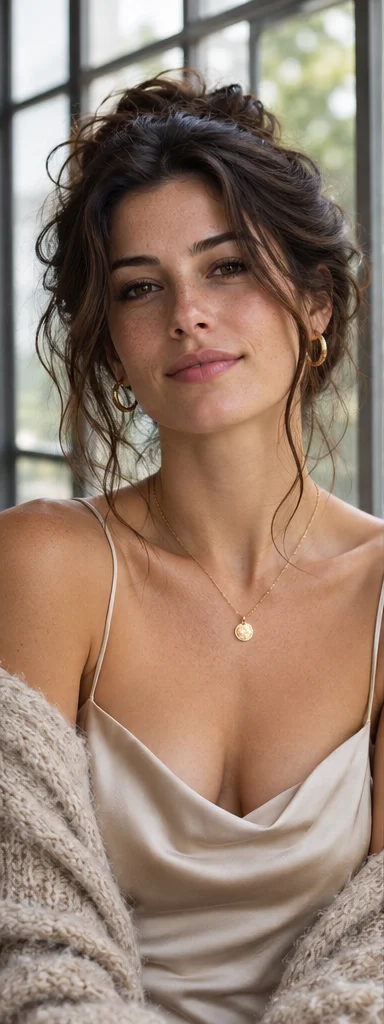
Realistic
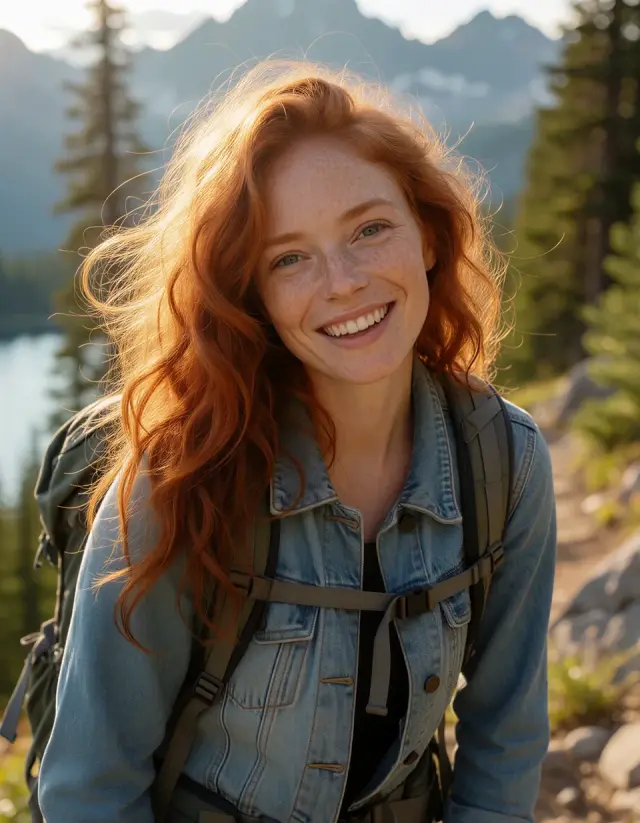
natural window light, realistic skin texture and a 50mm lens
Create AI images from a text prompt or a reference image.
natural window light, realistic skin texture and a 50mm lens
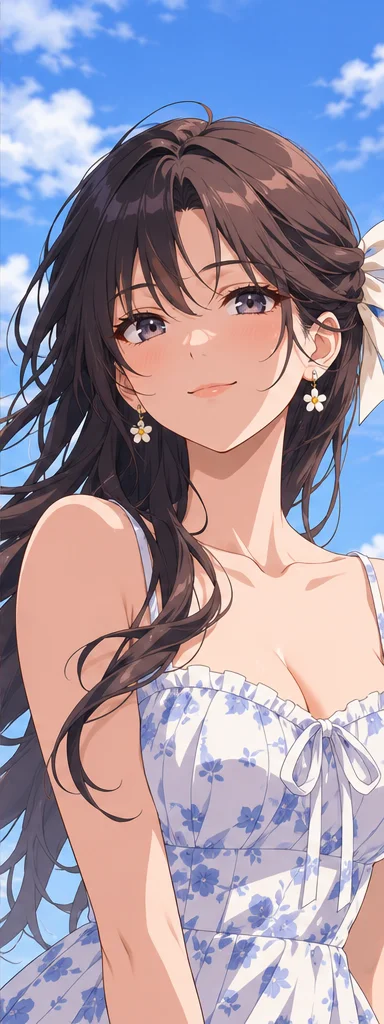
clean linework, blue sky and soft cel shading
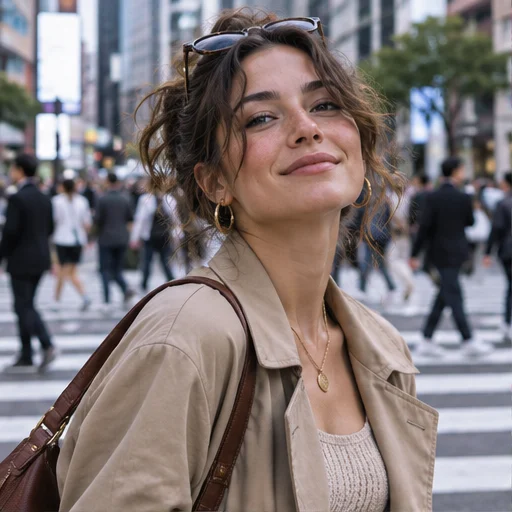
candid streetwear, a city crossing and an editorial lens
Explore example images from Raphael AI.
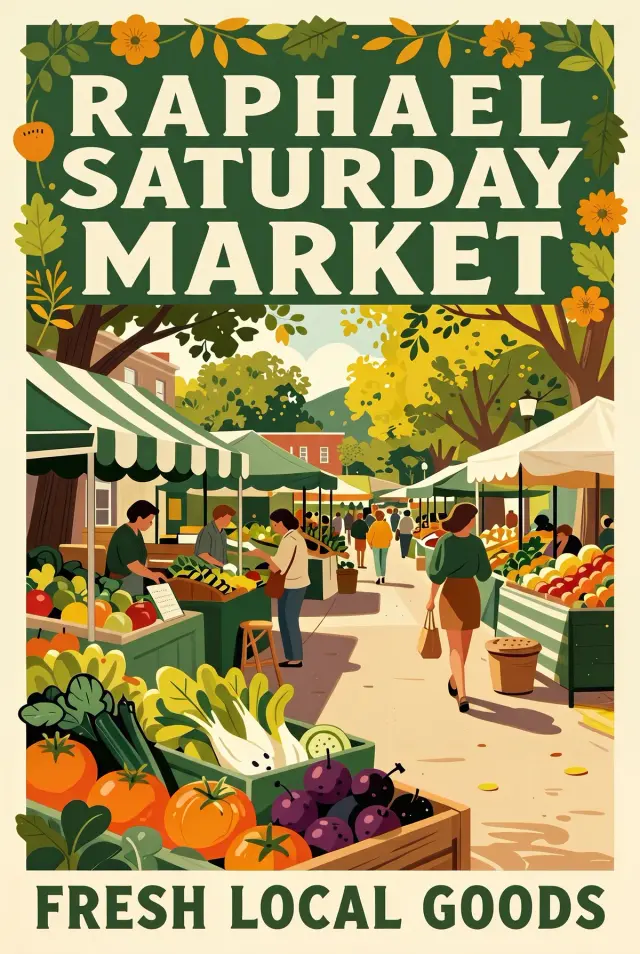

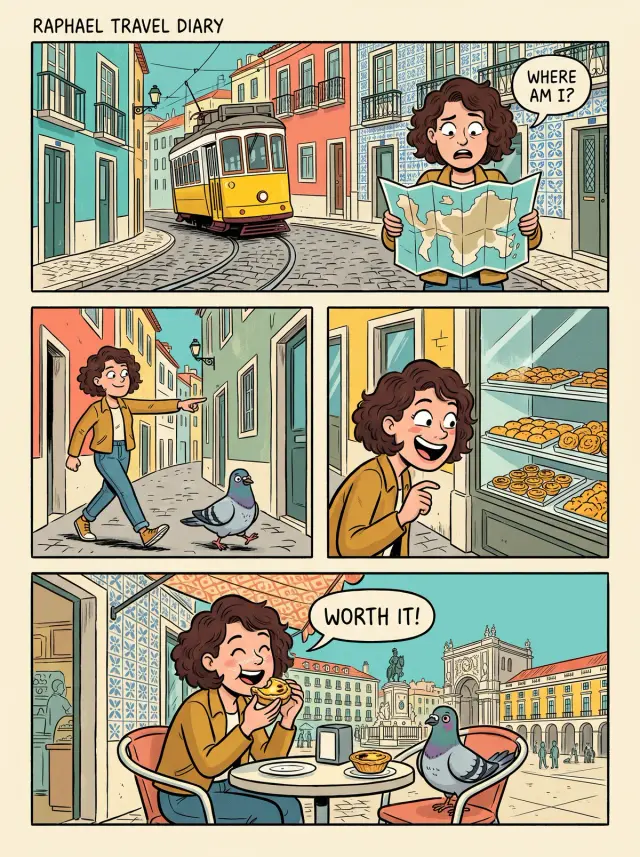
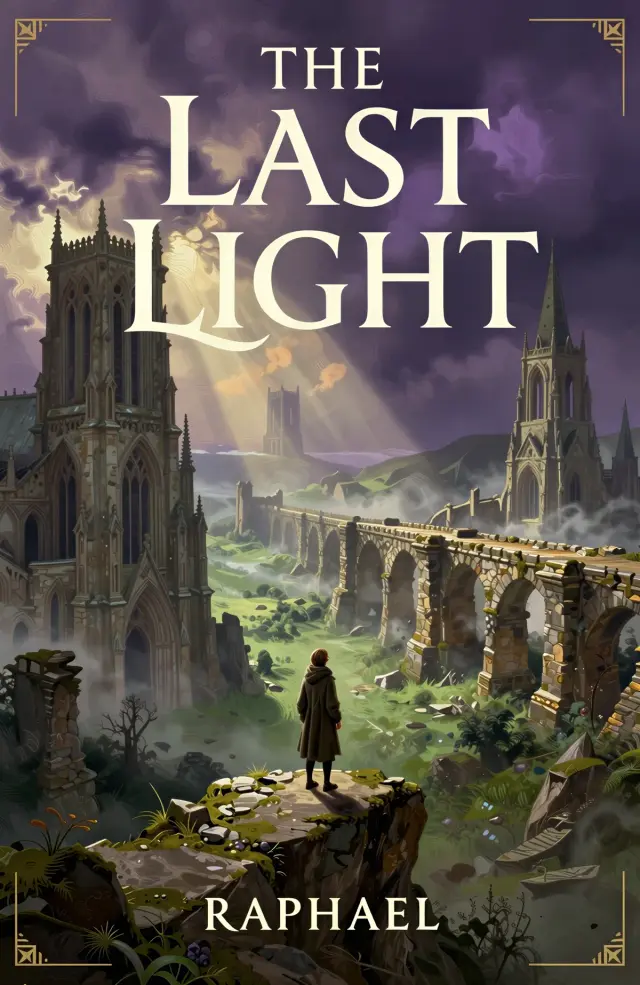
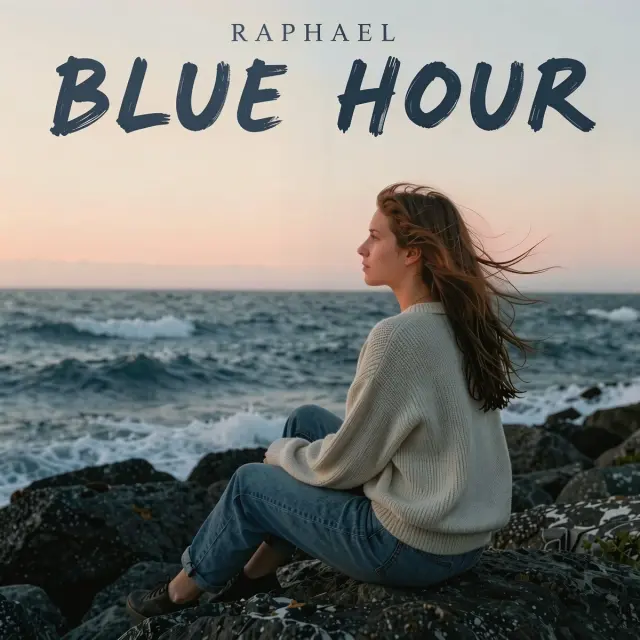
Start with an editorial illustration prompt.
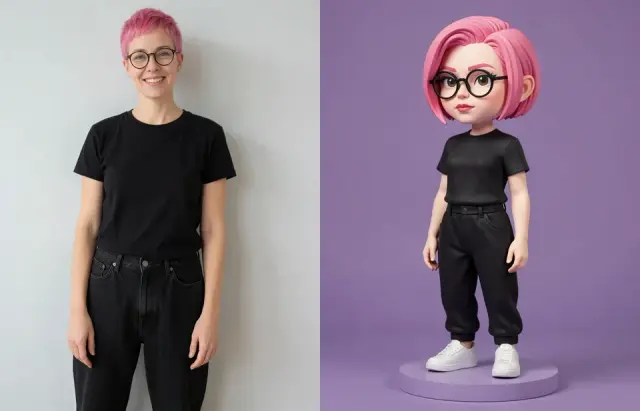
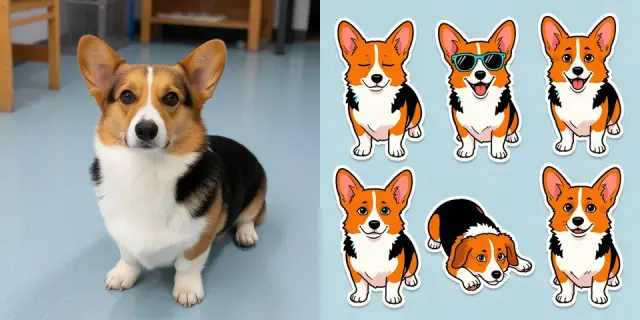
Start with a reference instead of a blank canvas.
Describe a subject, setting and style to start from scratch.
Keep the elements you like and describe what should change.
See available models and their credit costs before generating.
Choose square, landscape or portrait when supported by your model.
Find previous results in your account and download them.
Buy credits when you need them, without a subscription.
Generate an image from a text prompt.
Upload a reference and describe what to change.
Open and download your saved creations.
Write a prompt or add a reference image, choose a model and aspect ratio, then generate and download the result.
You can prepare your inputs before signing in. Generating uses credits at the rate shown for the selected model. Credit packs are one-time purchases.
Start with text or a reference in the same editor. You can see the credit cost before generating and find saved results in My Images.
Yes. You can prepare your prompt and settings first. Sign in when you are ready to generate.
Try editorial illustrations, product scenes, portrait concepts, social covers or anime-style artwork. The result depends on the model and your instructions.
Guest drafts are kept for 7 days, account drafts for 30 days, and generated images for 365 days. See the Privacy Policy and download anything you want to keep.
You can attach one JPEG, PNG or WebP reference up to 8 MB. Models and ratios are limited to the options enabled in the editor. Each generation uses the displayed credits.
Check the Terms of Service, applicable model rules and third-party rights before publishing. Girlens does not guarantee that an output is clear of third-party rights or suitable for a commercial purpose.
Yes. Open Girlens in your mobile browser to create, review and download images.
Use the Support link above. If your issue involves a purchase or generation, include the order or job reference when available.
The editor and model directory show which models are available. Options marked Not available cannot be selected or used to generate.
The model uses your description to compose a picture. Try “A ceramic cup on linen, lit from the left by a window, close-up product photo.”
Use references you have permission to use. Before sharing the result, check for third-party artwork, logos or recognizable people and any restrictions on the intended use.
Your generated images are stored in My Images and are not automatically published. See the Privacy Policy for how Girlens handles your files.
Your model, prompt and reference affect the result. State the details that matter and check faces, lettering and small objects before downloading.
$9.99 one-time
$19.99 one-time
$39.99 one-time